Welcome to the fourth and final part of our exclusive interview with Scott Hill, ACE, a renowned film editor with an impressive career in the industry. In this segment, Scott delves into integrating VFX in Bruce and Evan Almighty, including the iconic fast-typing scene, and shares his methods for maintaining an organised workflow using Lightworks.
Scott discusses the importance of cutting with performance in mind, adjusting edits based on VFX feedback, and the efficiency of using Lightworks for complex editing tasks. Whether you're an aspiring editor or a seasoned professional, this interview is packed with valuable insights and behind-the-scenes stories that will inspire and inform your editing journey.
Video
Interview
This transcription has been lightly edited for clarity.
Chris Wells: So one of the other kinds of things I was thinking of to bring it back to Bruce Almighty, especially on those experiences, was, obviously, there's a lot of special effects in that film, right?
Scott Hill: A lot of special effects shots.
Chris Wells: The one that I always remember was the bit where he's typing on the keyboard. He does it like really fast.
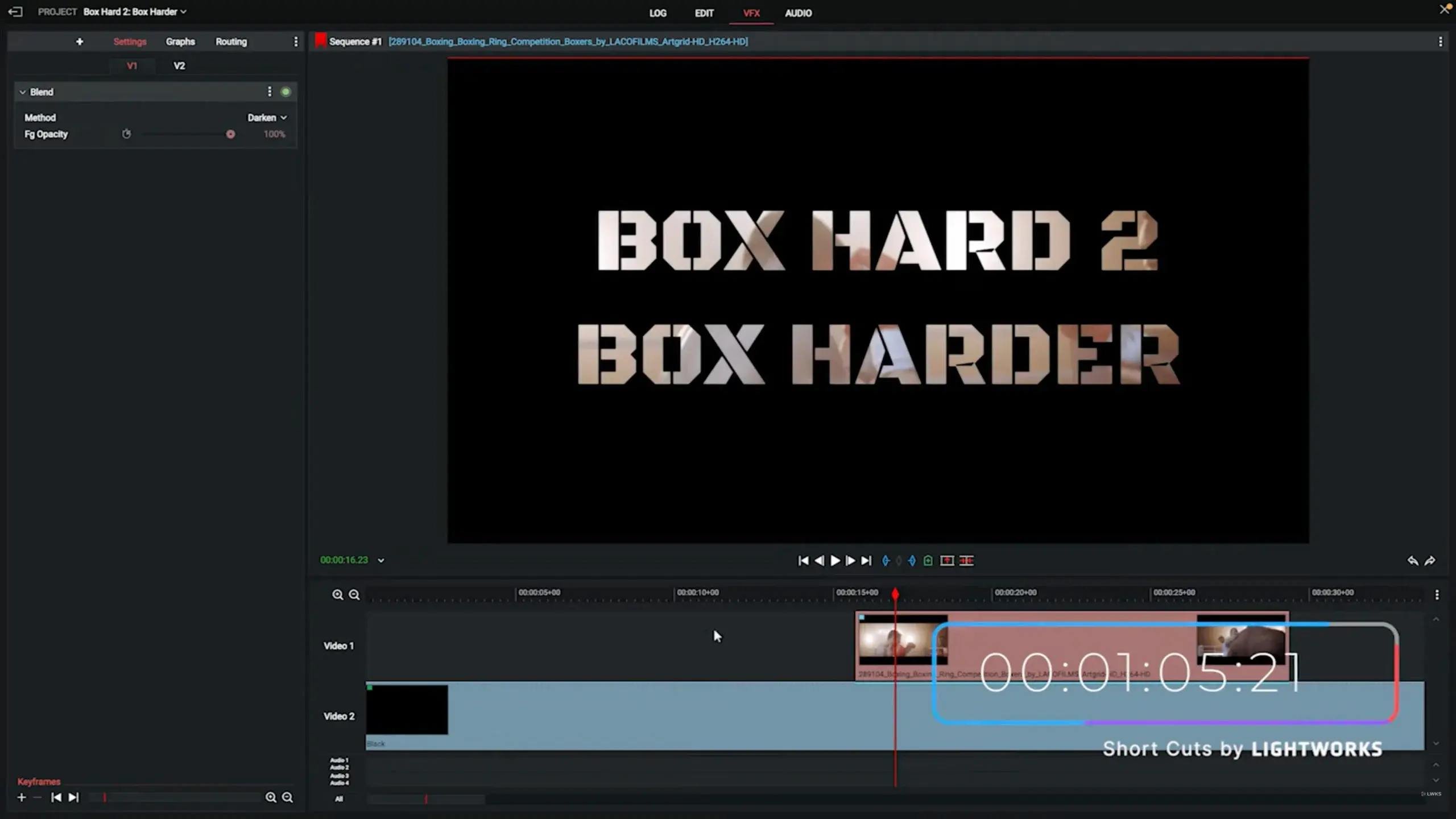
Scott Hill: Yeah. That one's quite easy. I was actually able to do the initial layout for that. I did it right in Lightworks.
Chris Wells: Did they get Jim Carrey just to type for a long time? Because I can imagine that.
Scott Hill: Oh, he types, and he types very fast. And then, you know, we're like, let's kick it up a notch or kick it up 20 notches. And I just sped it up. Those are the easy ones. But yeah, there are many different films where I'll do lots of visual effects.
Chris Wells: Were there ever ones where the visual effects altered the way you have to edit a scene?
Scott Hill: Well, you go with the performance. Cut it how the director feels for the pacing and timing, then send it out.
Once we start getting the initial temps back from the VFX house, adjustments happen. Sometimes dynamics change and cuts need to move. We go back and tweak the scene.
Chris Wells: Does that happen often?
Scott Hill: In my experience, not major reworks. On Evan Almighty, we worked with Rhythm & Hues and ILM, so the concepts were close to begin with.
Chris Wells: What does a “handle” mean?
Scott Hill: A handle is extra frames before and after a shot so you can adjust timing without redoing VFX.
If VFX happens after picture lock, houses prefer zero handles so they don’t render unnecessary frames.
Chris Wells: Any underused Lightworks features?
Scott Hill: The frame counter and asymmetric trimming are huge time-savers. One-click fixes keep tracks in sync and save hours.
Chris Wells: That efficiency theme really stands out.
Scott Hill: Speed gives you time to experiment creatively, not finish sooner.
Chris Wells: Anything you’d like to say to editors?
Scott Hill: Edit everything you can. Theory helps, but cutting footage is how you really learn.
Part one | Part two | Part three
Subscribe to our newsletter and YouTube channel to stay updated.
Additional Resources
Visit Lightworks Resources for tutorials and community insights.
Transform your video editing journey with Lightworks. Download now and start telling better stories.